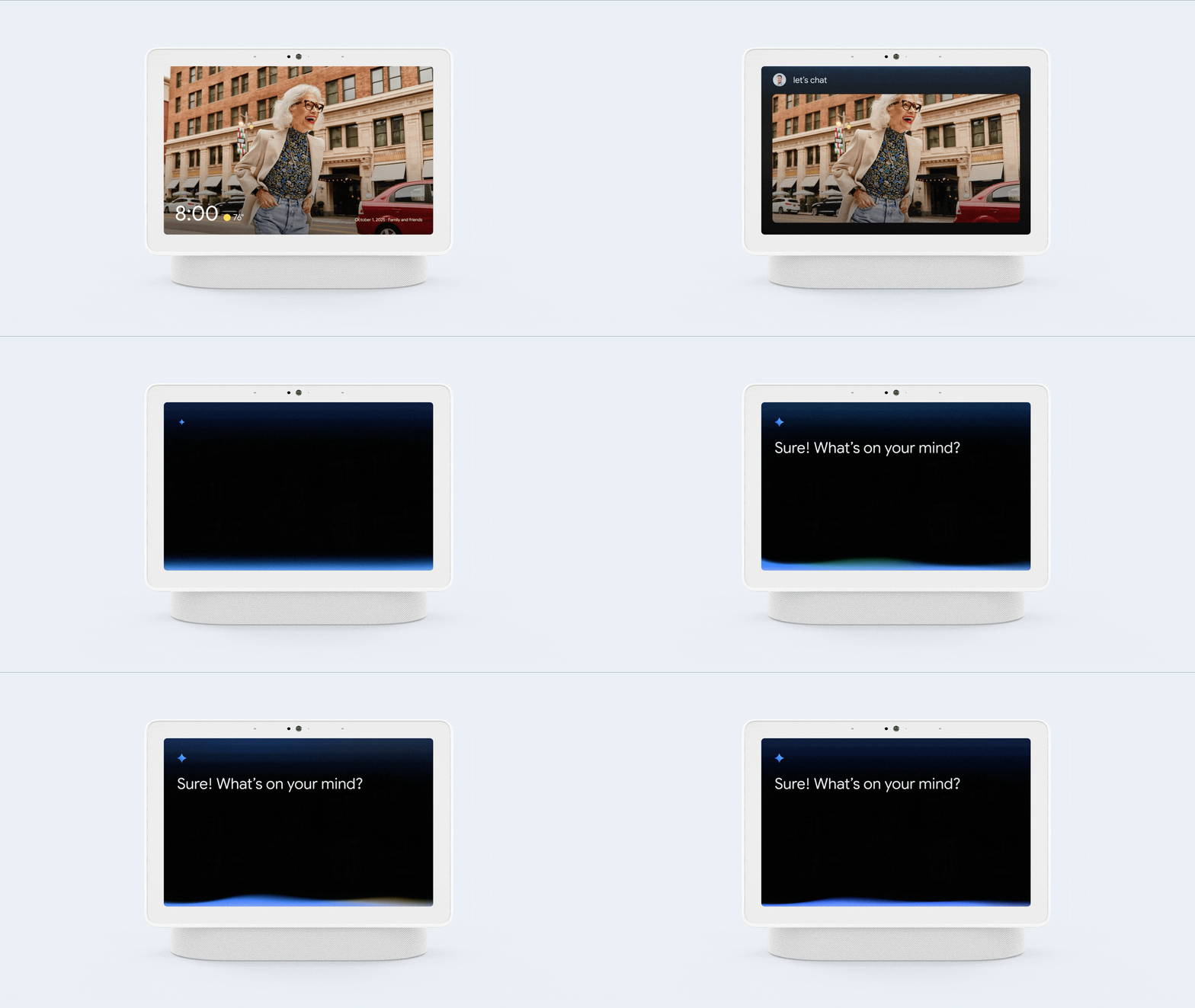
"Hey Google…"
Use Gemini by saying “Hey Google” to your speaker or display to request specific help or answers. Gemini helps you tackle everyday tasks seamlessly. Get richer answers, set and edit reminders, stream media and control your smart home more naturally.